EMI lock app for mobile shops

How Emi Dost locks a financed Android phone when an EMI is overdue, and how access comes back after payment. No TestDPC needed. Set up each phone with one Emi Dost QR.

What is an EMI lock (emilock) app?

An EMI lock app, also searched as emilock or a finance lock app, links a phone sold on instalments to its payment plan. The shop sets up the phone at the time of sale. While payments are on track the phone works normally; when an EMI is overdue, the shop can apply the agreed lock, and the phone shows the payment details and the shop’s contact until access is restored.

Emi Dost is an EMI lock app for mobile shops in India. It has two Android apps: the retailer app at your counter, and the customer app that is installed on each financed phone during enrolment. The lock rules you enable run on the phone itself, so a lost data connection does not remove them.

At a glance

  • One Emi Dost QR sets up the phone, no TestDPC
  • Offline overdue lock 5 days after the due date, when enabled
  • Unlock online, by SMS or with a prepared code
  • Release is a separate, confirmed step

When an Emi Dost phone locks

Choose the rules for each customer and each plan.

  • Overdue lock from your shop

    When an instalment is overdue, send the agreed lock from the retailer app to a phone your shop has enrolled. Online commands need a data connection on the phone.

  • App Lock: block chosen apps

    Not ready for a full lock? Block the apps on your list, all with one switch or one by one, while calls, SMS and Emi Dost keep working. New installs are blocked while it is on, and you can turn it on or off by SMS too.

  • Automatic lock, even offline

    On a plan set to lock, with automatic locking on, the phone locks itself when an EMI is still unpaid 5 days after its due date, with or without internet. Being offline alone never locks it.

  • SIM lock

    Turn on the SIM-removal lock for a customer and the phone locks itself when the registered SIM is taken out, even without internet. The registration-number lock also locks it when a different SIM replaces the registered one.

  • Lock by SMS

    No data on the phone? Signed SMS commands can still lock it while it has a working SIM and mobile signal.

  • The lock survives a restart

    Restarting does not clear a managed lock. A locked phone comes back to the payment screen when it is switched on again.

  • What the customer sees

    The lock screen shows the payment details, the customer photo and your shop’s contact.

How the phone is unlocked

Four routes back to access, from a normal payment to the final release.

  1. Record the payment, send the unlock

    Record the instalment in the retailer app and send the authorized unlock. Access returns as soon as the phone receives the update.

  2. Unlock by SMS

    If the phone has no data connection, send the signed SMS unlock while it has a working SIM and signal.

  3. Offline unlock code

    The phone first completes an online sync to prepare its unlock key, and your retailer app retrieves that key. After that, the retailer app generates a time-based code without data, and the customer enters it on the phone.

  4. Release after the last EMI

    Completing the loan queues an unlock, but the phone stays enrolled until you release it. Confirm the loan is settled, send the release and check that the phone received it. A settled loan cannot be locked or reminded again.

One QR sets up the phone

No TestDPC needed. Open the Emi Dost setup QR in your retailer app and scan it with the customer’s phone. The phone is linked to your shop and its EMI plan, ready for the lock rules you choose.

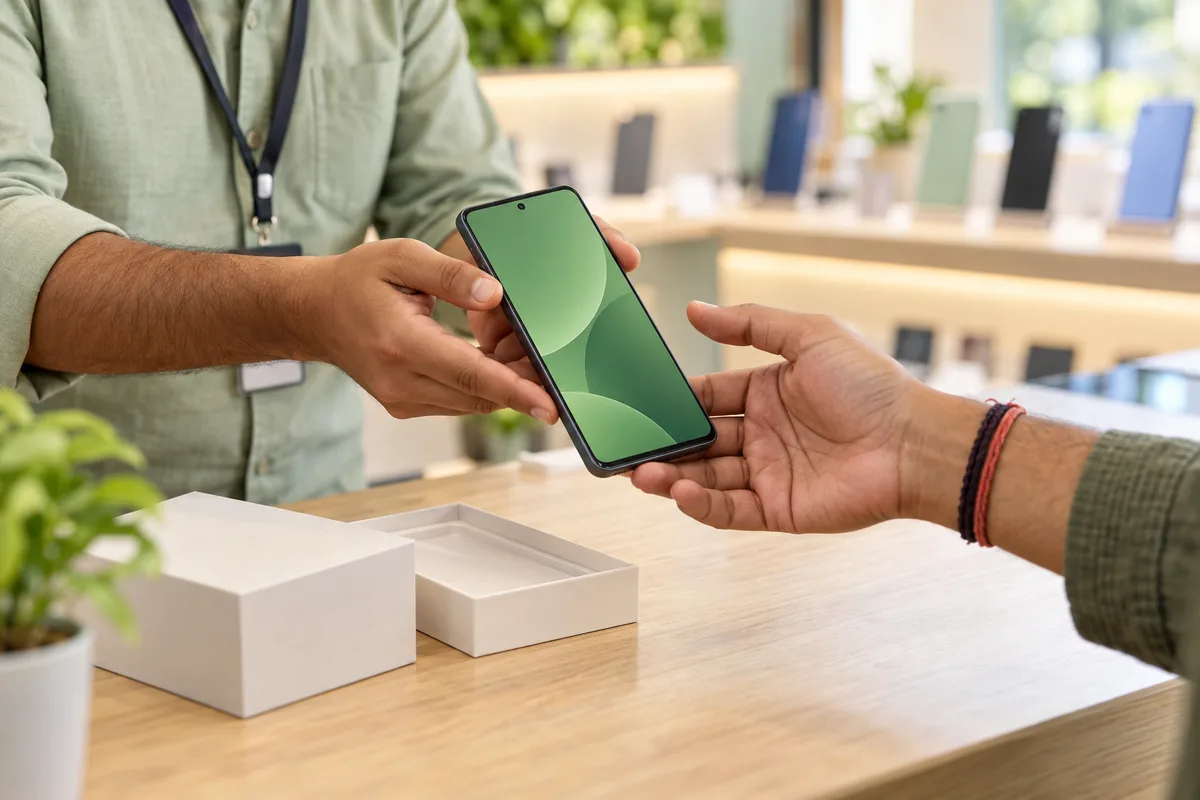
Hands passing a new Android smartphone across a mobile shop counter

EMI lock questions

Does an EMI lock app need internet to lock a phone?

Not for the automatic overdue lock: with lock mode and automatic locking on, Emi Dost locks the phone 5 days after an unpaid due date even when it is offline. A lock you send from the shop needs a data connection, or SMS with a working SIM and signal.

Do I need TestDPC to set up an EMI lock?

No. One Emi Dost QR from your retailer app sets up the phone for your shop. There is no TestDPC step.

Can I block only some apps instead of locking the whole phone?

Yes. App Lock blocks the apps on your list, all at once or the ones you choose, while calls, SMS and Emi Dost keep working. The apps stay installed, and new installs are blocked until you turn it off.

Is a finance lock app the same as an EMI lock app?

People use both names, and “emilock” too, for the same job: keeping a phone sold on instalments linked to its payment plan. Emi Dost covers that job for Android phones.

Can the shop lock a phone after the loan is paid off?

No. Once the loan is settled it can no longer be locked, alerted or reminded. Release the phone to remove financing management from it.

Put the lock to work

Download the retailer and customer apps, or follow the setup from your counter to the first enrolled phone.

The shop’s daily workflow: EMI locker app